We put together a list of some of our current Known Issues. Our team is working to resolve these in future updates. If you encountered something that isn’t shared here, please do let our Player Support team know.
The best way to contact us is through the game by going to the Profile section and tapping Player Support. However, you can also use the Chat widget on our Help Center (bottom right corner), or send us an email at netflixpuzzled.support@games.netflix.com
Known Error Messages
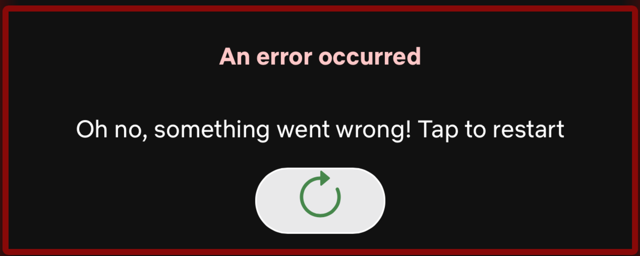
- Oh no, something went wrong! Tap to restart:
This error can occur when launching a game, and affected players can't play any or some puzzles. If you encounter this issue, please get in touch with us and let us know which puzzle or game it occurs in.
- App startup failed:
This error affects some users when loading Netflix Puzzled. Reinstalling the app usually resolves this issue.

General
- Missing Daily Puzzles:
If some games are not visible under Daily Puzzles, please make sure to update Netflix Puzzled to the latest version from the App Store/Play Store. If this doesn't help, please inform our Player Support team. - Blank screen:
Players may encounter a blank screen between screens. - FPS drop:
Players may experience a drop in FPS when switching from Profile View to Home View.
Game Specific
- Sudoku:
The "Show the Hint Button" toggle does not remove the Hint button; instead, it disables it.
Platform Specific
Android:
- The progress does not merge when a player first completes a Puzzle in a Guest Mode and then logs in.
- Using the Back button on certain screens may cause the app to behave unexpectedly (e.g., returning to previously completed puzzles).
- The app does not fully support Folding screens, and users may encounter some UI issues on these devices.
Web:
- Keyboard controls have not been implemented for Jigsaw, Bonza, and Crossover on Web.
- When launching a Combo Puzzle from the lower tiles row, players see the App Home View.