We put together a list of some of our current Known Issues. Our team is working on resolving these in our future updates. If you encountered something that isn’t shared here, please do let our Player Support team know. The best way to contact us is through the game. However, you can also use the Chat widget on our Help Center (bottom right corner), or send us an email at netflixpuzzled.support@games.netflix.com
Known Error Messages
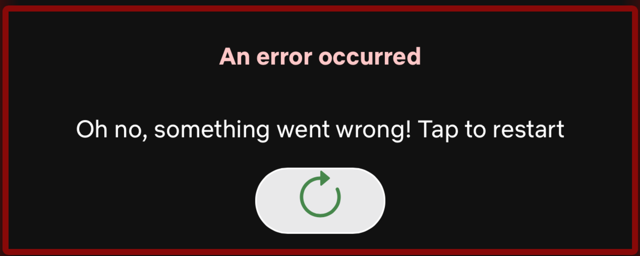
- Oh no, something went wrong! Tap to restart: this error occurs when trying to launch a game and affected players can't play any or some puzzles.
- App startup failed: this error is affecting some users when trying to load Puzzled. Reinstalling the app usually resolves this issue.

General
- The lock icons on the Theme Selection screen are the wrong color, which may make locked themes incorrectly appear as though they are unlocked.
- Players may encounter a blank screen when moving from Event UI back to the Puzzled Home view.
Game Specific Known Issues:
- Sudoku "Show the Hint Button" toggle does not remove the Hint button, but instead disables it.
Platform Specific
Android
- Using the Back button in certain screens may result in unusual app behavior (i.e. returning to previously completed puzzles).
- The app does not fully support Folding screens and users may encounter some UI issues on these devices.
iOS
- Puzzle Sharing links on iOS may not take users directly to the shared puzzle, but instead to the Puzzled home view.
Web
- Keyboard controls have not been implemented for Jigsaw, Bonza, and Crossover on Web.
- Players may have issues playing Bonza and Jigsaw in Firefox browsers.